Freemium
HivePic
Free online AI image editor: crop, rotate and adjust light in your browser, then remove a background, watermark or blur with AI. No sign-up.
Pricing
Freemium
Views
139
Published
Directory
ThisTool
About HivePic
HivePic is a free online AI image editor that runs in the browser, so there is nothing to install and no account is needed to get started. It combines two kinds of tools on one page: everyday photo edits that run locally on your device, and AI fixes that handle the jobs that used to need desktop software or hours of manual retouching.
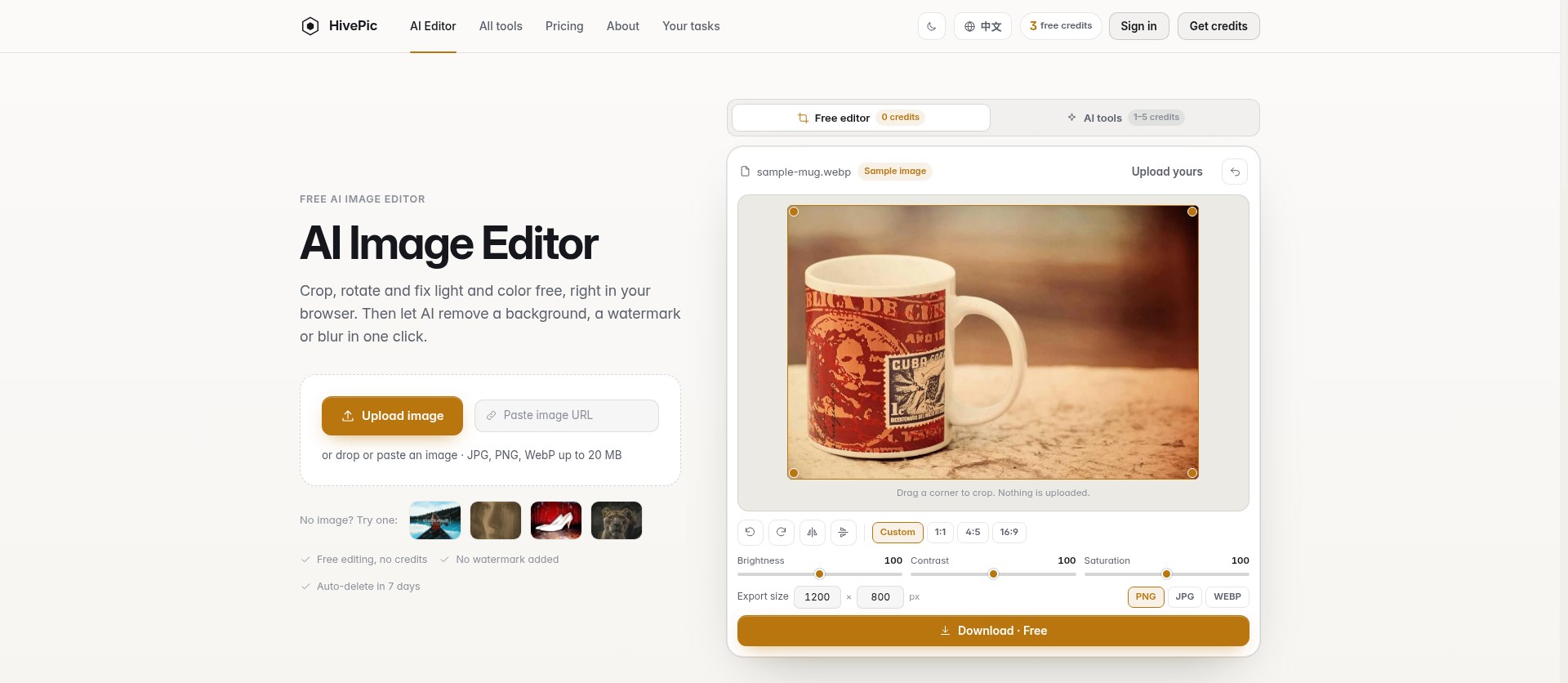
The basic editor covers the edits most people make every day. You can crop a photo to a new shape, rotate it, flip it horizontally or vertically, and adjust light and color until the picture looks right. These browser edits are free and unlimited, and because they run on your device, the image does not need to be uploaded anywhere.
When a photo needs more than a simple adjustment, the AI tools take over. HivePic can remove a background and give you a transparent image, remove a watermark or an unwanted object from a picture, upscale a small image to a larger size, unblur a soft or shaky photo, and enhance overall quality and detail. It can also help restore old photos that have faded or been damaged. Each AI tool has its own focused page, so you can go straight to the fix you need, such as watermark removal, unblurring, or image enhancement, upload the photo and download the result.
Privacy is built into how the service works. Edits made in the browser stay on your device, and images uploaded for AI processing, along with their results, are automatically deleted after seven days. Downloads carry no HivePic watermark.
HivePic is freemium. Without signing in, you can process three standard-size images a day with the AI tools. Signing in with Google raises that to ten credits a day and unlocks HD downloads. For larger jobs there are one-time credit packs with no subscription: Starter at $9.99 for 200 credits, Plus at $29.99 for 650 credits, and Pro at $59.99 for 1,400 credits.
It suits online sellers preparing product photos, social media creators cleaning up images, designers who need a quick cutout, and anyone who wants to rescue a blurry or old family photo without learning complicated software.
The basic editor covers the edits most people make every day. You can crop a photo to a new shape, rotate it, flip it horizontally or vertically, and adjust light and color until the picture looks right. These browser edits are free and unlimited, and because they run on your device, the image does not need to be uploaded anywhere.
When a photo needs more than a simple adjustment, the AI tools take over. HivePic can remove a background and give you a transparent image, remove a watermark or an unwanted object from a picture, upscale a small image to a larger size, unblur a soft or shaky photo, and enhance overall quality and detail. It can also help restore old photos that have faded or been damaged. Each AI tool has its own focused page, so you can go straight to the fix you need, such as watermark removal, unblurring, or image enhancement, upload the photo and download the result.
Privacy is built into how the service works. Edits made in the browser stay on your device, and images uploaded for AI processing, along with their results, are automatically deleted after seven days. Downloads carry no HivePic watermark.
HivePic is freemium. Without signing in, you can process three standard-size images a day with the AI tools. Signing in with Google raises that to ten credits a day and unlocks HD downloads. For larger jobs there are one-time credit packs with no subscription: Starter at $9.99 for 200 credits, Plus at $29.99 for 650 credits, and Pro at $59.99 for 1,400 credits.
It suits online sellers preparing product photos, social media creators cleaning up images, designers who need a quick cutout, and anyone who wants to rescue a blurry or old family photo without learning complicated software.
Official Website
Try HivePic
Visit the official website to explore this tool and learn more.